300 Mbps Wireless USB WiFi Adapter Portable Network Card for Desktop Laptop PC with Internal Antenna 2.4 GHz 802.11 b/g/n USB 2.0/3.0 Support Windows 2000 XP Vista 7 8 10 MAC OS Linux


300 Mbps Wireless USB WiFi Adapter Portable Network Card for Desktop Laptop PC with Internal Antenna 2.4 GHz 802.11 b/g/n USB 2.0/3.0 Support Windows 2000 XP Vista 7 8 10 MAC OS Linux
300 Mbps Wireless USB WiFi Adapter Portable Network Card with Internal Antenna and 2.4 GHz 802.11 b/g/n Support

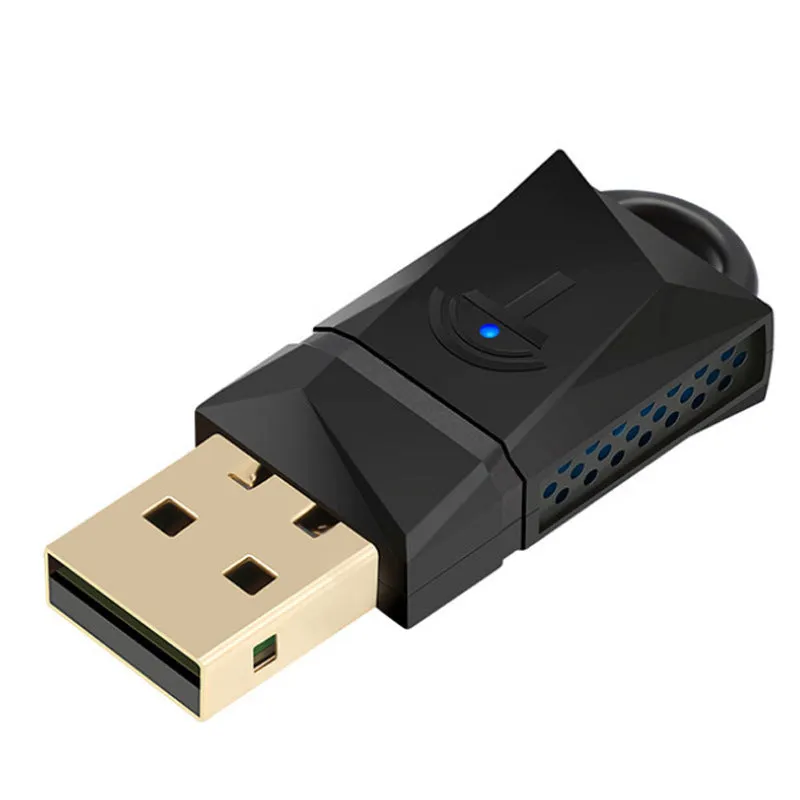
This 300 Mbps wireless USB WiFi adapter provides a simple, portable solution for adding wireless connectivity to desktop computers, laptops, or other compatible devices. Operating on the 2.4 GHz band and supporting IEEE 802.11 b/g/n standards, it enables reliable network access for web browsing, file sharing, and streaming without the need for wired Ethernet cables. The compact design with an internal antenna makes it easy to carry and use with multiple machines. It connects via a standard USB 2.0 or 3.0 interface, and data is protected by 64/128-bit WEP encryption along with WPA, WPA-PSK, WPA2, WPA2-PSK, TKIP, and AES security protocols.
Features and Construction

This adapter is built around practical features that address common networking needs. Its internal antenna keeps the form factor small while providing adequate signal reception for typical home or office environments. The USB interface ensures broad compatibility with modern and older hardware.
Wireless Standard and Speed
The adapter supports IEEE 802.11 b/g/n wireless standards and operates exclusively on the 2.4 GHz frequency band, delivering a maximum data rate of 300 Mbps. This speed is suitable for everyday online activities such as browsing, email, video streaming, and light file transfers.
Interface and Compatibility
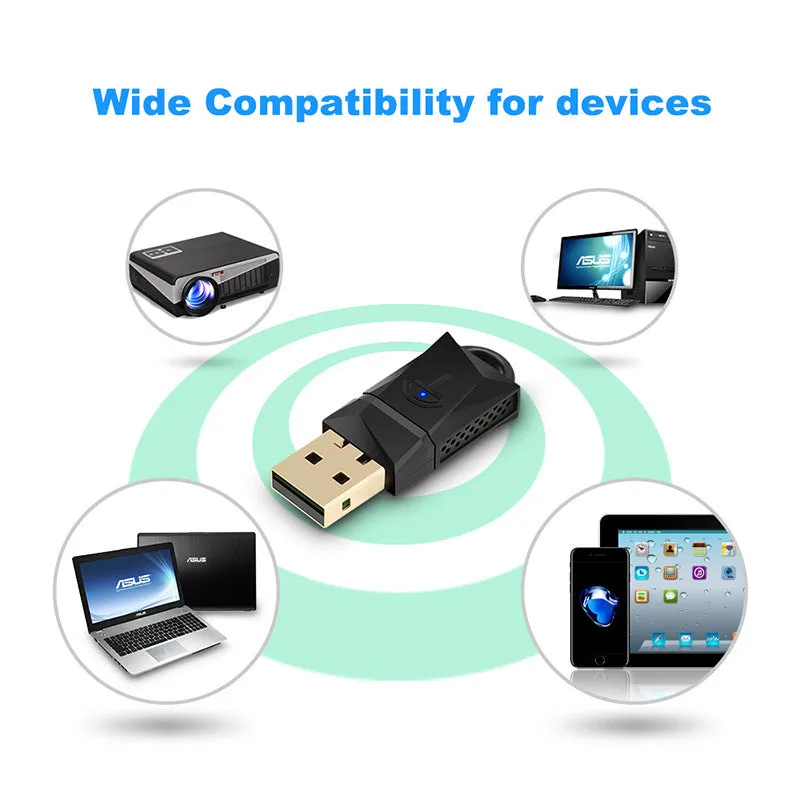
With a USB 2.0 host interface, the adapter is backward compatible with USB 1.1 and works on any USB 2.0 or 3.0 port. It is compatible with Windows 2000, XP, Vista, 7, 8, 10, MAC OS versions 10.4 through 10.12.2, and Linux operating systems, ensuring wide device support.
Data Security
Network security is supported through multiple encryption methods: 64/128-bit WEP, WPA, WPA-PSK, WPA2, WPA2-PSK, TKIP, and AES. This allows the adapter to connect to secured wireless networks with various levels of protection.
Uses and Placement

The adapter is intended for users who need to add or upgrade wireless connectivity on desktop PCs or older laptops that lack built-in WiFi. Its portable nature means it can be moved between devices as needed.
Desktop Computer Use
For desktop computers, inserting the adapter into the rear USB port is recommended to ensure stable power supply and consistent operation. This placement avoids accidental disconnection and maintains a reliable connection.
Laptop and Mobile Device Use
For laptops or other machines without an optical drive, the driver can be downloaded using the online link provided. After use, it is advised to remove the adapter and store it in its packaging to prevent overheating.
Everyday Network Tasks
The adapter handles routine network tasks such as web browsing, email checking, and streaming standard-definition video, making it a practical choice for basic home or office needs.
Benefits and Buying Value

This adapter offers a cost-effective way to add wireless capability without internal hardware changes or running cables. Its cross-platform compatibility and compact size increase its value for users with multiple devices.
Plug-and-Play Setup
After driver installation, the adapter is recognised by the operating system and connects to available wireless networks. The included CD provides the driver, and an online link is available for use without a disc drive.
Portable Design
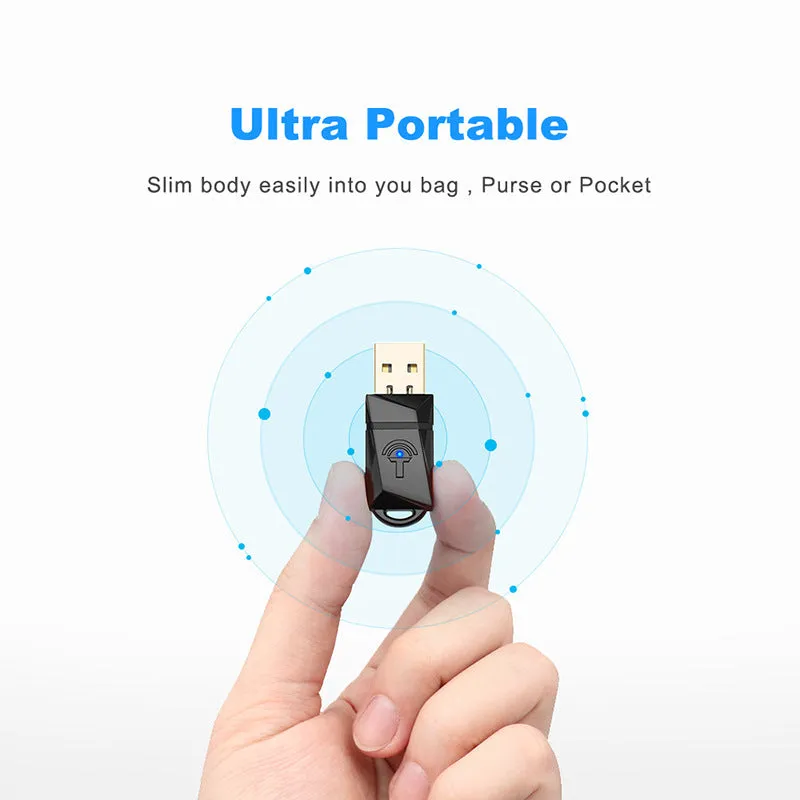
The internal antenna and small footprint allow the adapter to be easily transported and used with different computers, making it suitable for on-the-go connectivity.
Broad Operating System Support
Support for multiple Windows versions, MAC OS, and Linux extends the product's lifespan and usability across different devices and system platforms.